Mathopedia: Revolutionizing Math Learning for Students
An interactive math learning platform designed to make math fun and accessible for young learners.
Problem: Existing platforms felt too complex or uninspiring for kids.
Solution: A playful, intuitive interface that turns math into a game-like experience.
My Role: UX/UI Designer – I led the user research, created wireframes and prototypes, and designed the final UI in Figma with a focus on simplicity, engagement, and usability.
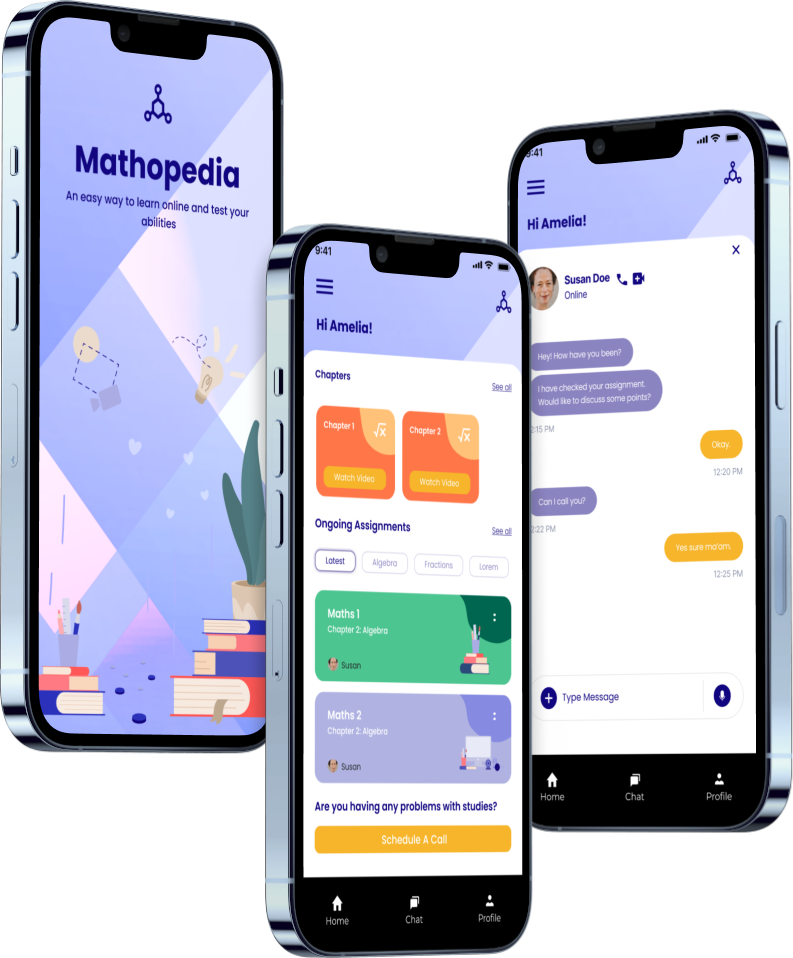
Overview
Mathopedia is a mobile application designed to make math learning engaging and effective for students aged 8–14. The app focuses on simplifying mathematical concepts through gamification, interactive modules, and tailored lesson plans. The ultimate goal was to empower young learners to build confidence in math while fostering a love for problem-solving.
The Problem
Challenge: Despite the abundance of educational apps, many fail to engage younger audiences due to a lack of interactivity and relatability. Students often perceive math as boring or intimidating.
Key Pain Points Identified:
Lack of Personalization: Generic lesson plans that don’t adapt to the student’s skill level or pace.
Limited Engagement: Absence of interactive elements or gamified incentives that could motivate students.
Overwhelming Interface: Overcomplicated designs in existing apps that hinder the user experience for young learners.
Objectives
Create an intuitive and engaging interface tailored for children aged 8–14.
Introduce gamification techniques to keep learners motivated and invested in their progress.
Build a personalized learning system that adapts to each student’s pace and skill level.
Design a clutter-free and visually appealing interface that aligns with the cognitive abilities of younger users.
Research & Insights
User Research:
Conducted interviews with 10 students, 8 parents, and 5 teachers to understand the challenges of math learning at home and in classrooms.
Identified user needs through surveys and competitor analysis of apps like Khan Academy and Prodigy Math.
Key Findings:
Children learn best when lessons are interactive and fun.
Rewards and feedback (e.g., badges, trophies) significantly boost motivation.
Simple and colorful UI helps retain attention and reduces cognitive overload.
Design Process
1. Empathy Mapping & Persona Development
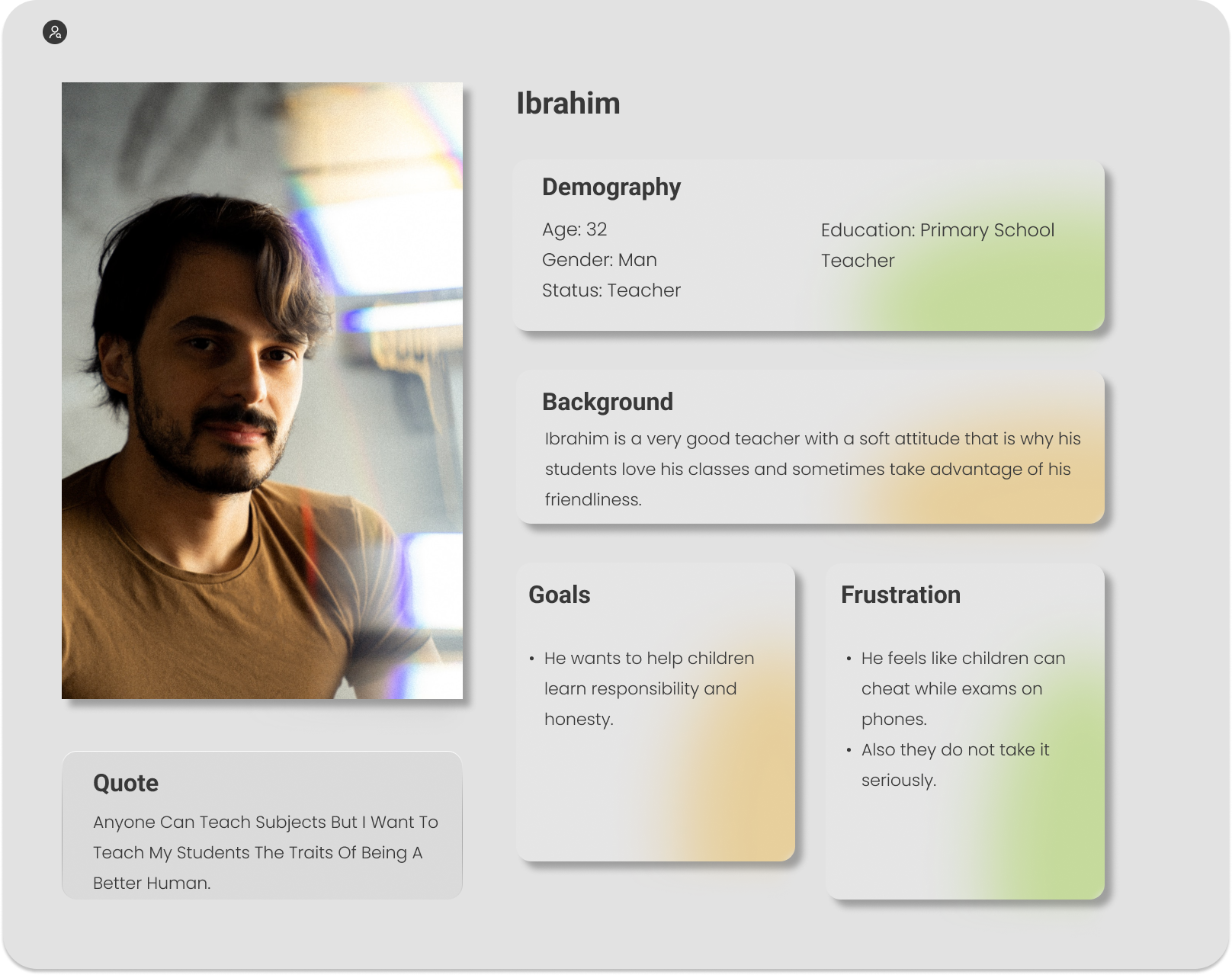
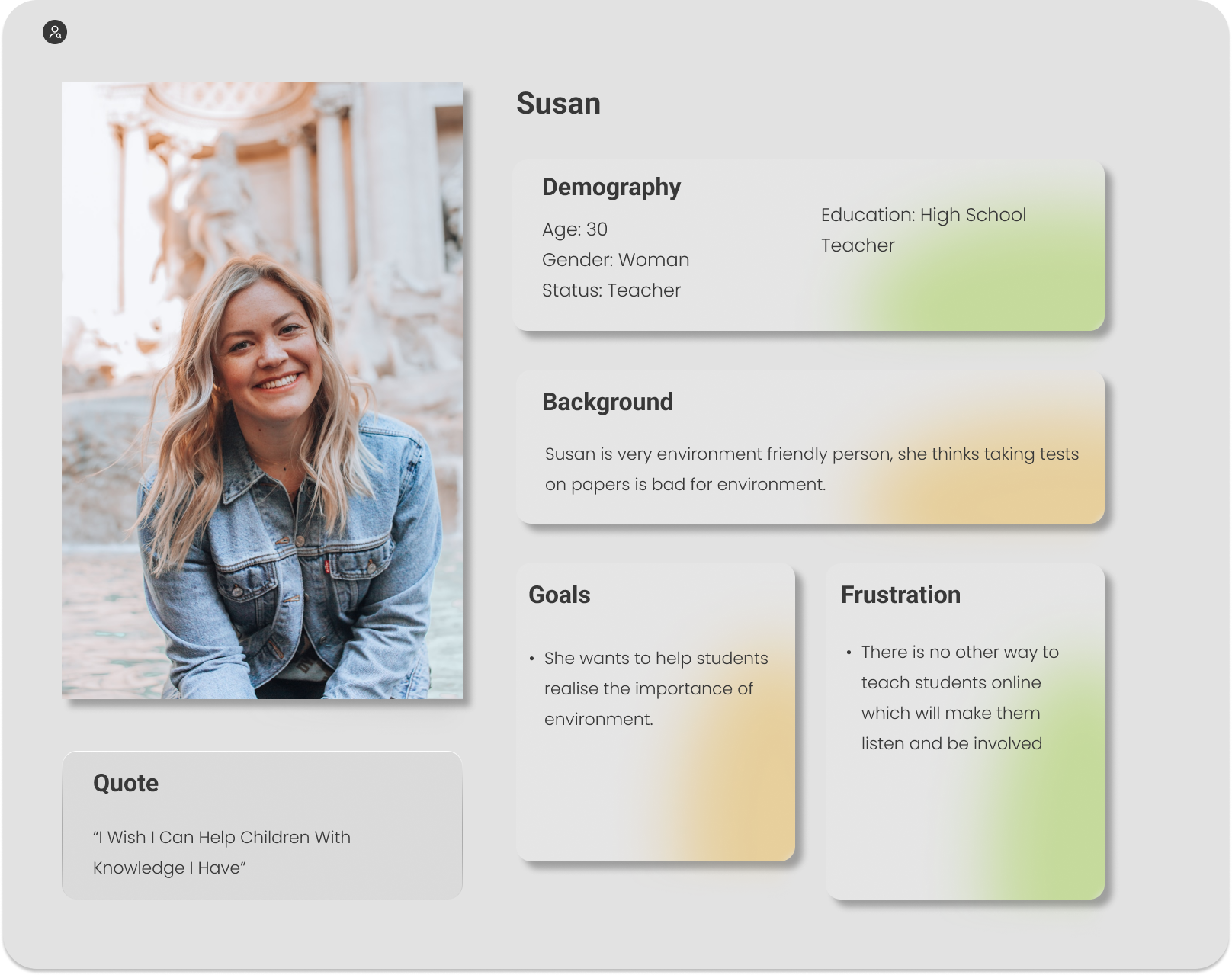
We developed two key personas to guide the design process:
2. Ideation
Brainstormed features like daily challenges, quizzes, leaderboards, and progress tracking dashboards.
Prioritized features based on user feedback and feasibility.
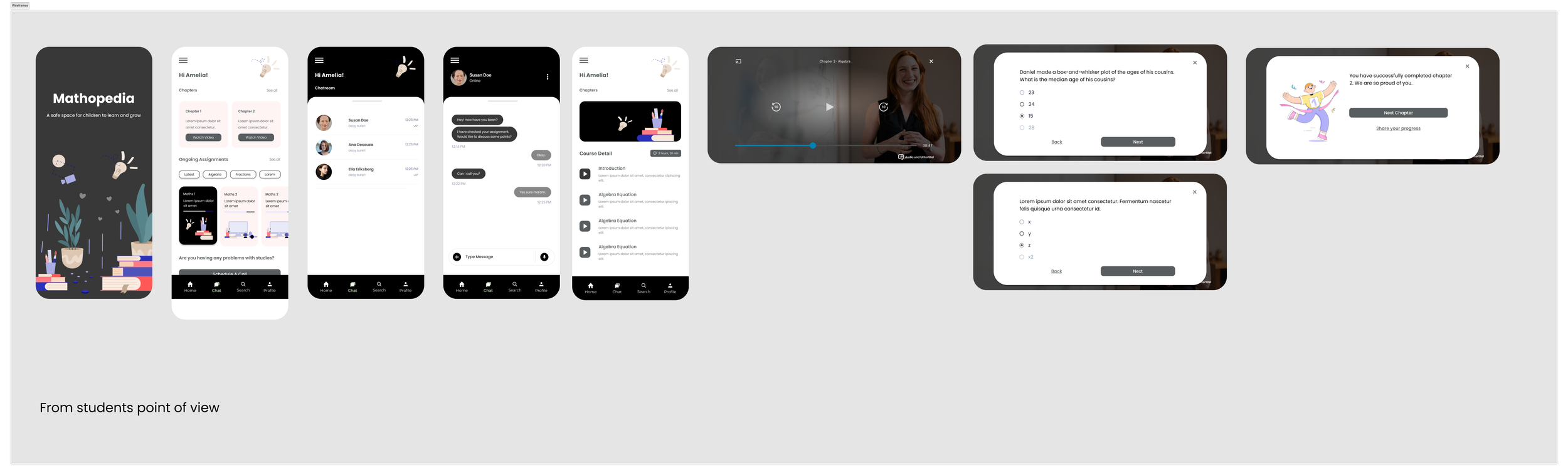
3. Wireframing & Prototyping
Created low-fidelity wireframes to map out the app’s structure and user flow.
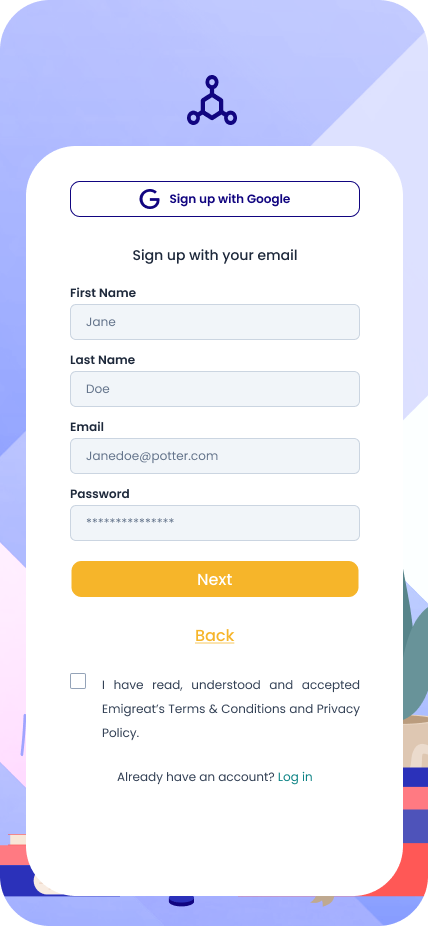
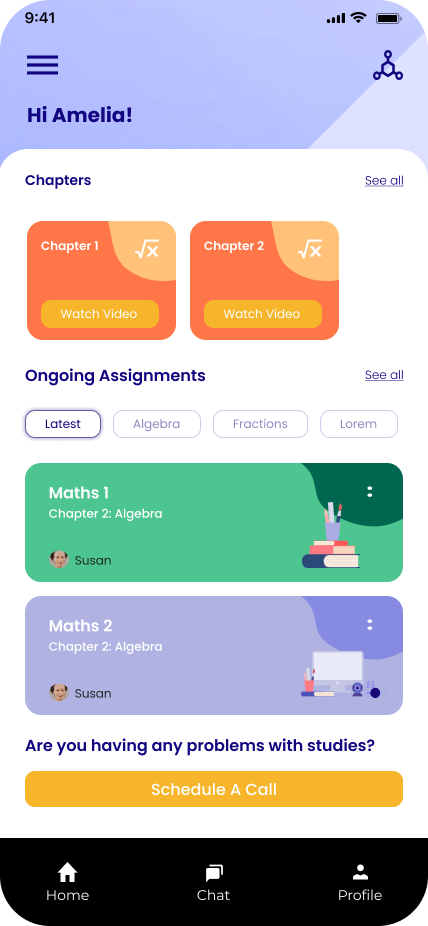
Designed high-fidelity prototypes in Figma, incorporating bright colors, simple navigation, and playful illustrations.
4. Usability Testing
Tested prototypes with 15 students to assess ease of use, engagement, and satisfaction.
Iterations were made based on feedback, such as increasing font sizes and adding audio cues for younger users.
Key Features
Personalized Learning Paths
AI-driven customization that adjusts lessons based on the student’s performance.
A progress dashboard for students to monitor their journey.
Gamification Elements
Daily quizzes, badges, and streaks to encourage consistency.
Leaderboards to create a friendly competition among peers.
Interactive Modules
Drag-and-drop activities, visual problem-solving, and real-time feedback.
Parent & Teacher Dashboards
Progress tracking tools to help parents and teachers identify areas where students need extra help.
Final Design
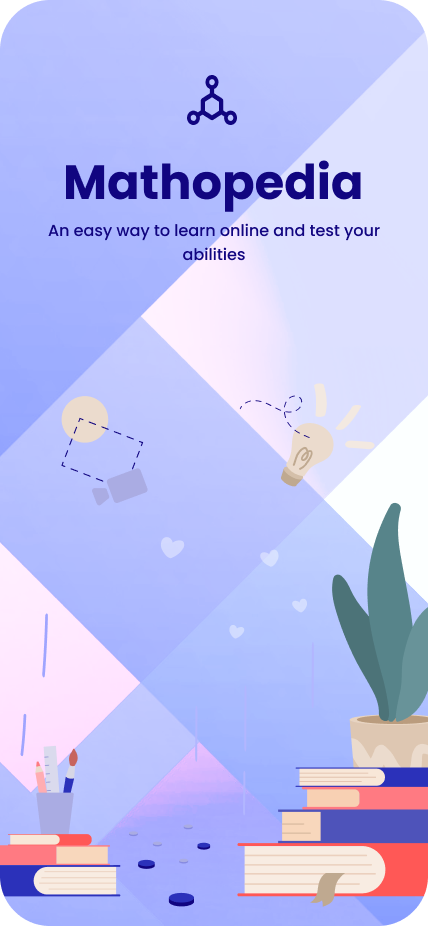
Color Palette: Bright and inviting colors (e.g., blue, green, yellow) to evoke positivity and focus.
Typography: Large, rounded fonts for better readability.
Illustrations: Custom characters and playful icons to create a friendly atmosphere.
Navigation: Simplified navigation with easy access to lessons, quizzes, and rewards.
Conclusion
Mathopedia demonstrates how UX/UI design can transform learning experiences for younger audiences. By combining personalization, gamification, and a user-first approach, this app creates an environment where students can learn math in an engaging and effective way.